emgprd.org uses Discourse in many of its applications to engage with its community.
That is why we have written a guide here on how to use Discourse as a Progressive Web App and install it on any device.
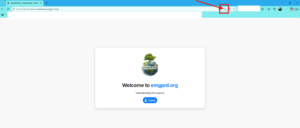
1. Go to the relevant Discourse application for emgprd.org (e.g., workplace.volunteering.emgprd.org) and click the icon in the browser bar.
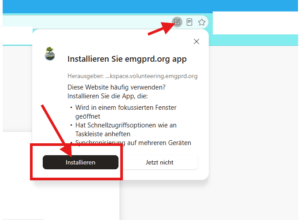
2. A window opens; now click on “Install” here.
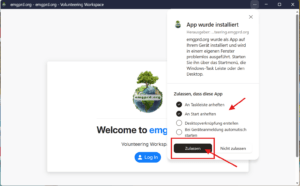
3. Finally, a new window opens where you can select additional options regarding exactly what the app is permitted to do. After selecting the options, click “Allow.”